|
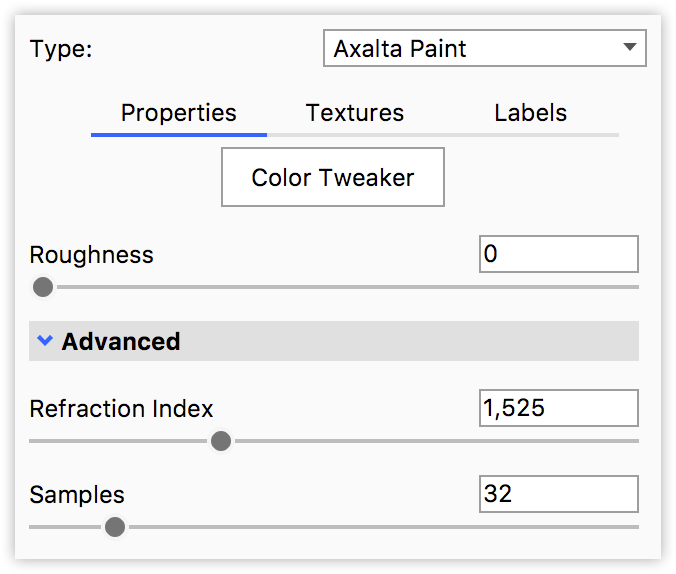
Color TweakerAdvanced option for fine adjustments to the way the paint behaves when viewed at certain angles. RoughnessThis adds microscopic levels of imperfections to the surface of the material when the values are increased. When this is set to 0, a material will appear perfectly smooth and polished. When the value is increased, the material will appear more matte as light is diffused across the surface. |
Advanced
Refraction Index
This slider provides controls the reflection on the surface. Increase the value to get more reflection intensity.
Samples
A low samples setting (8 or lower) will tend to make the surface look more noisy, which will give a more imperfect and rough look. As you increase the value, the noise will smooth out and provide a more evenly distributed roughness.
Flake Size
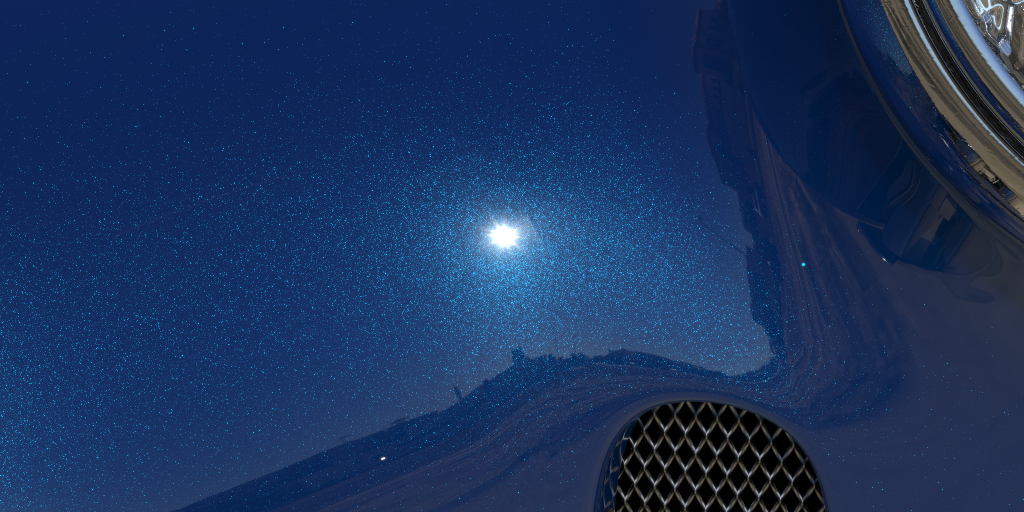
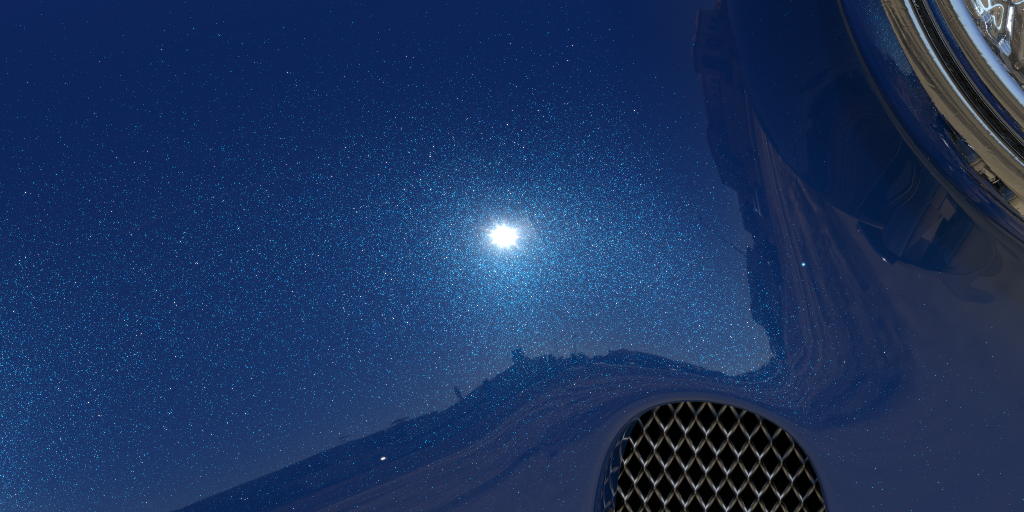
This Slider controls the size of the individual flakes, which is specified in millimeters. In real paint the flake sizes would for example be 0.02- 0.5 mm. In the material, the flakes will be randomly distributed and some flakes will appear brighter than others, because the apparent flake color varies between white and the color of the paint.
Flake Density
The Flake Density slider controls how close the flakes are to each other.