Bump Add
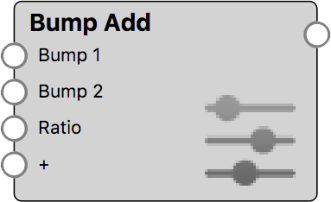
Combine two bump texture maps or procedural textures. Control their interaction by defining the Ratio and Weight in which the two bumps are visible.
Bump Add Settings
|
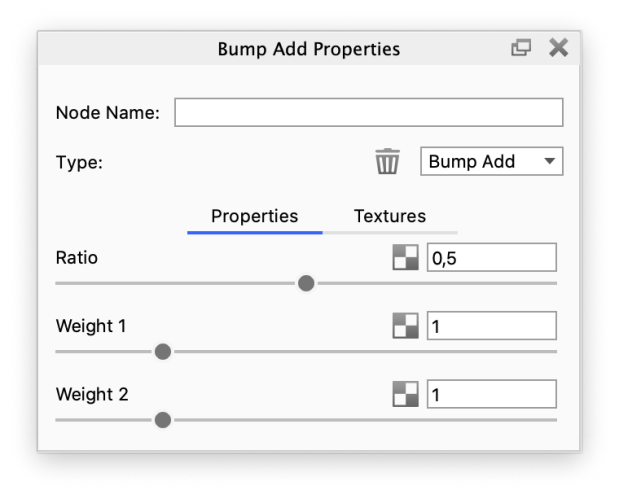
The Ratio and Weights control the contribution of the two input bump maps to the final bump result. Ratio: The Ratio parameter allows to balance the contribution of both input bump maps with a single slider. The default value of 0.5 defines that both bump maps contribute equally to the final bump result. With a value of 0 only Bump 1 affects the material, whereas with a value of 1 only Bump 2 is visible. Weight: The two Weight parameters work like a multiplier for each of the two bump texture’s Bump Height. The default values of 1 keeps the bump height as defined on the texture. When the Weight for a bump input is 0, the effect of that bump is nullified. Values higher than 1 amplify the bump effect in the final result. |
Bump Add Example
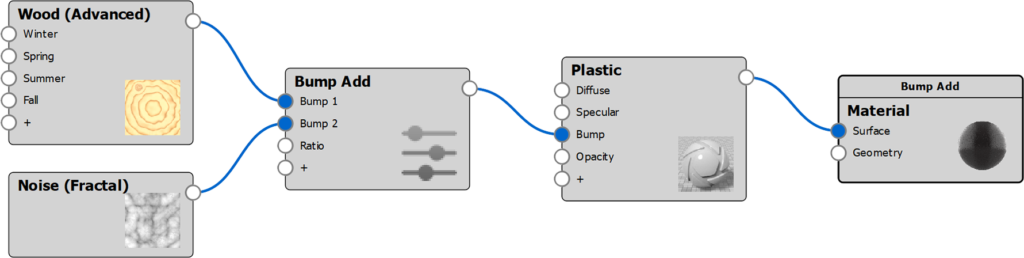
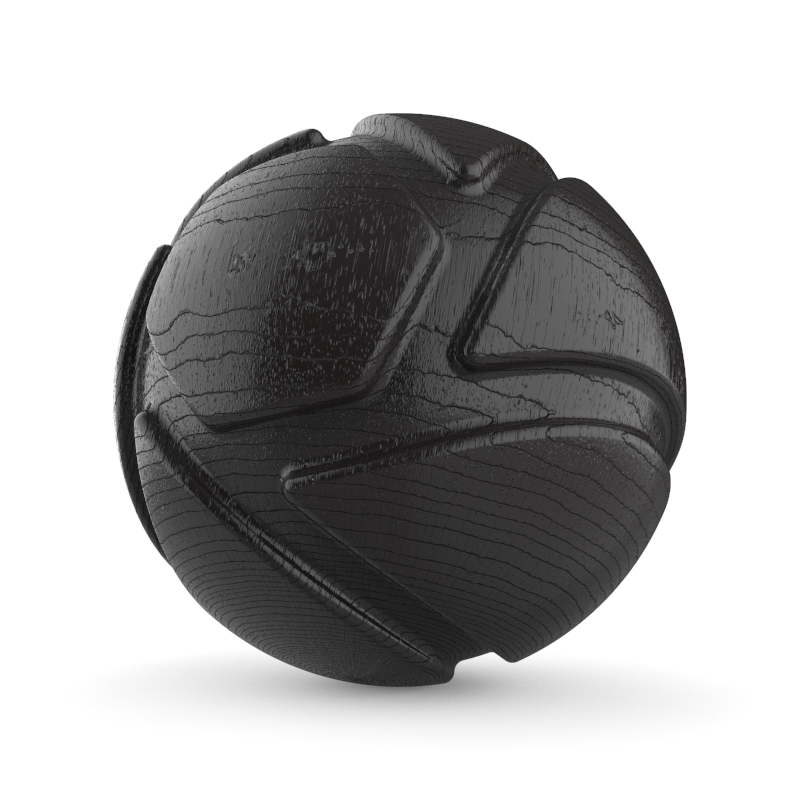
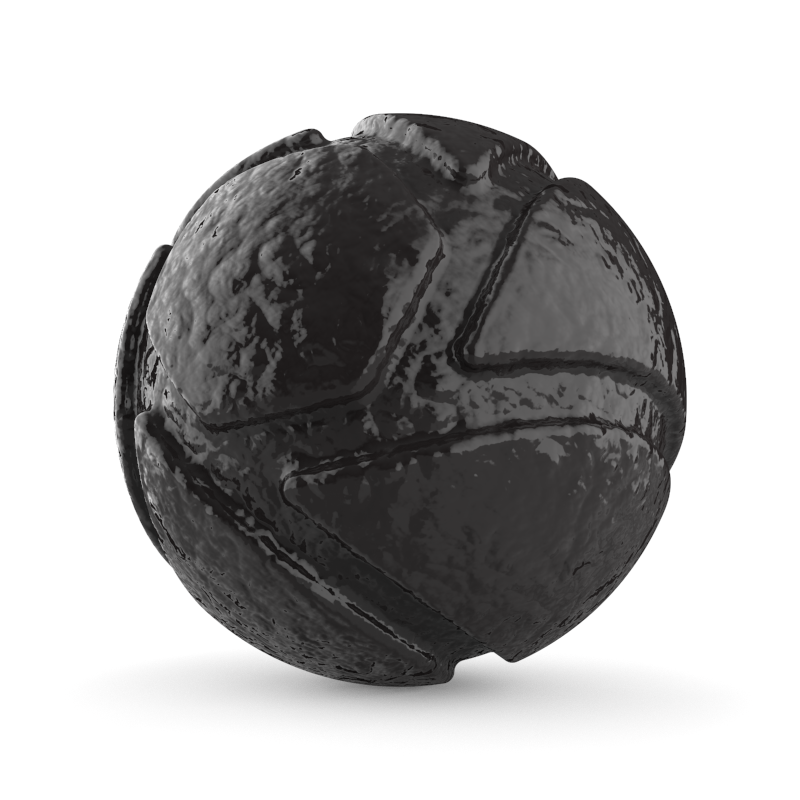
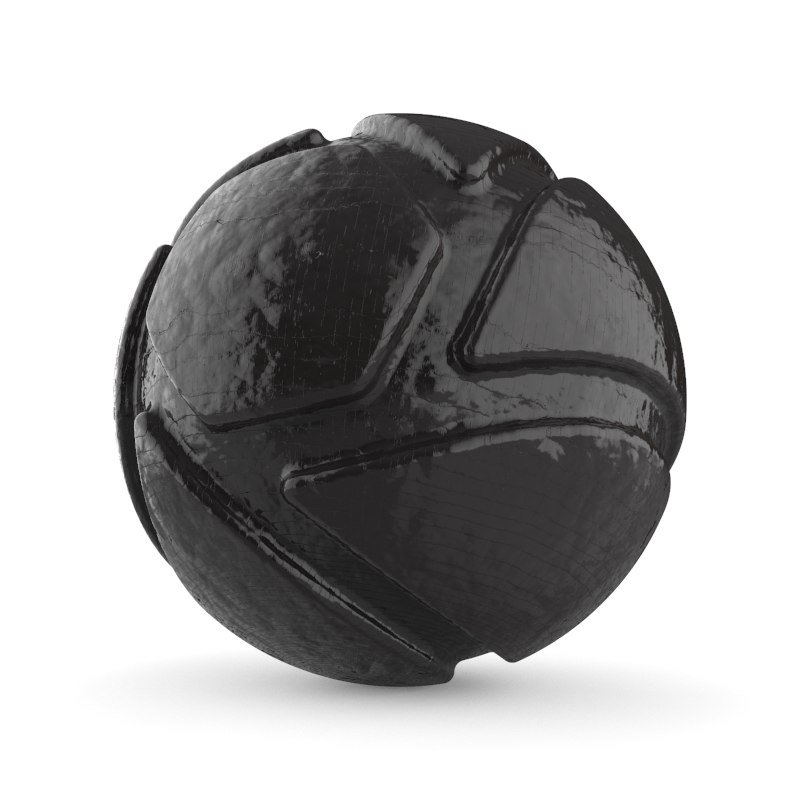
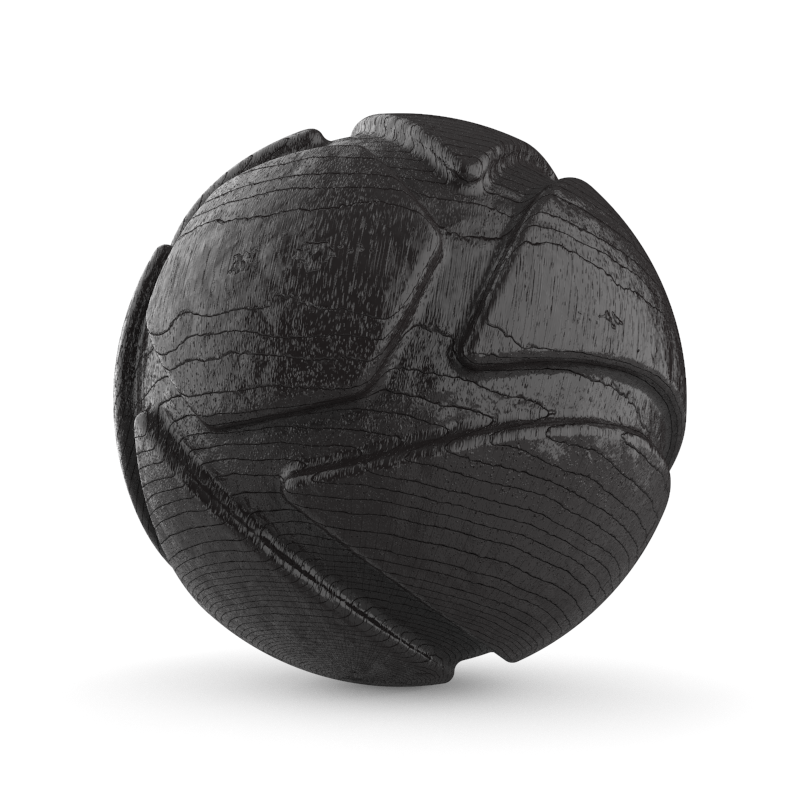
The following examples show a Plastic material with Bump Add to illustrate the concepts of Ratio and Weight.
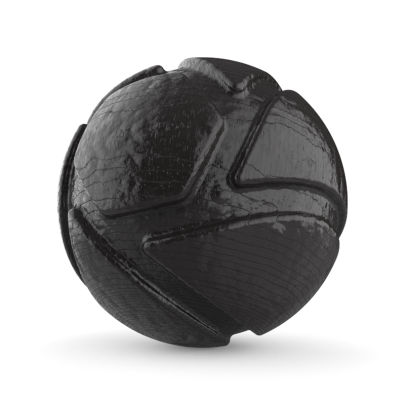
Bump Add with Ratio = 0.5, Weight 1 = 3 and Weight 2 = 1 |
|
Variations
|
|
|
|