Translation
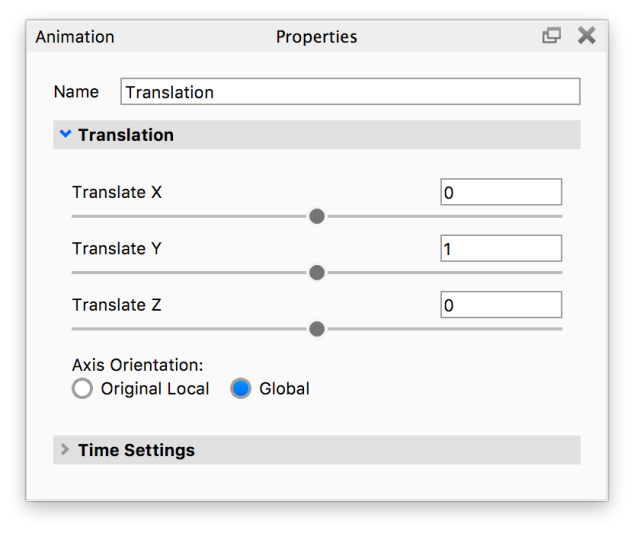
Camera Translation allows the camera to move on the X, Y and Z axes.
Properties
Translate X, Y, Z
Controls movement along the X / Y / Z axis.
Axis Orientation
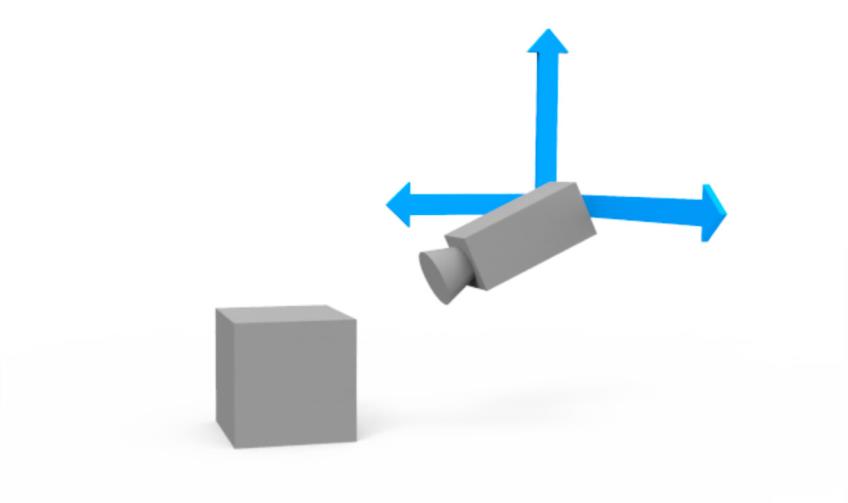
When you apply a rotation to your model, you must choose the rotation axis: X, Y, or Z axis. However, these axes have two states: Original Local and Global.
- Original Local – The Original Local state uses the rotating part’s local axis. If Y pointed up originally, rotating the part over 45 degrees means that the Y axis is now also tilted 45 degrees. Use this axis state your model’s axis orientation is not square (slightly tilted) with KeyShot Studio’s global axis. To reveal the global axis, press the “Z” key on your keyboard.
- Global – This is KeyShot Studio’s global axis. To reveal the global axis, press the “Z” key on your keyboard. Y axis always points up. Even if you have rotated a part using your modeling software.
|
|