Material Sets
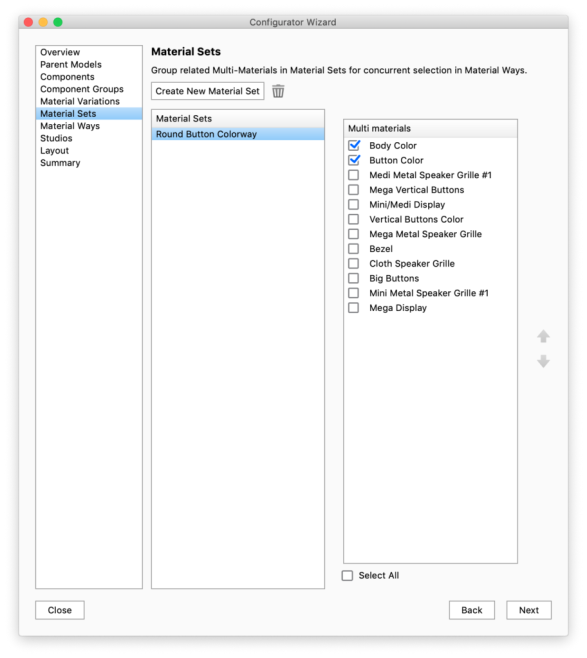
With Material Sets you can group Multi-Materials that you want to be able to change concurrently with Material Ways.
|
Click Create New Material Set and check the Multi-Materials you want to group. Once a Material Set is in the list you can rename it. The name will be used in the Configurator UI. You can have multiple Material Sets but a Multi-Material can only be a part of a single Material Set. Any Multi-Materials that are already a part of a Material Set will be disabled in the list. Delete |
 , this will make the Multi-Materials available for re-selection.