Overview

The first step of the Configurator Wizard is to select what you want to present – Model Variations, Material Variations, or both.
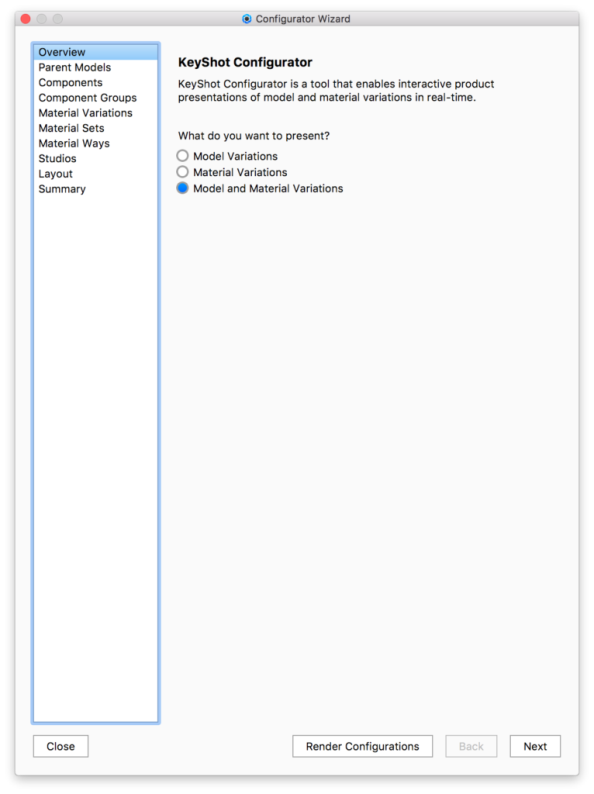
Model Variations

Use to set up a Configurator to display different models or combinations of models.

Material Variations

Use to set up a Configurator to display different materials for a single model.

Model and Material Variations
Use to set up a Configurator to display different model configurations and materials for any model configuration.