Parent Models
The second step is to define the Parent Model, which is the top-level product variation you wish to present. This is required even if you are only presenting Material Variations. If this is the case you can simply select the Default Model Set as your Parent Model.
The Configurator requires each model / model component to be in their own Model Set, in order to be able to switch between them. Parent models are the options of first choice the user will have to make in the Configurator.
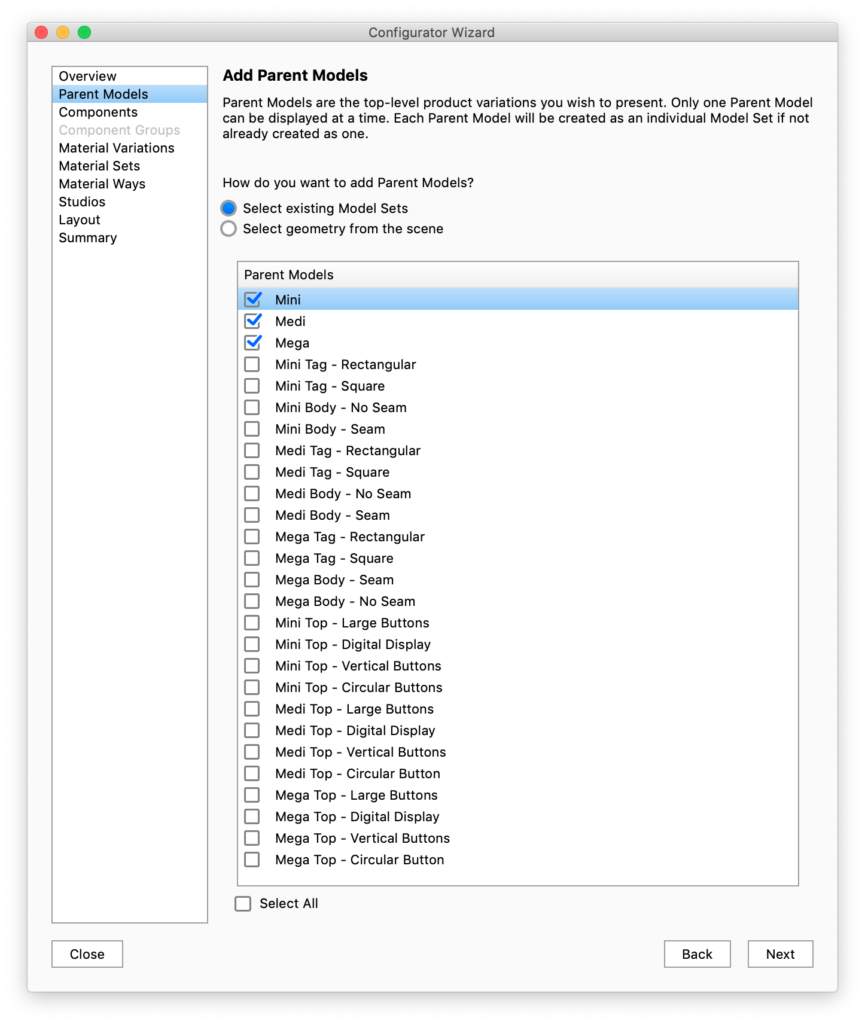
Select existing Model Sets
If you already have separated Parent Models and components into Model Sets, choose the Model Sets that you want to be parent models.
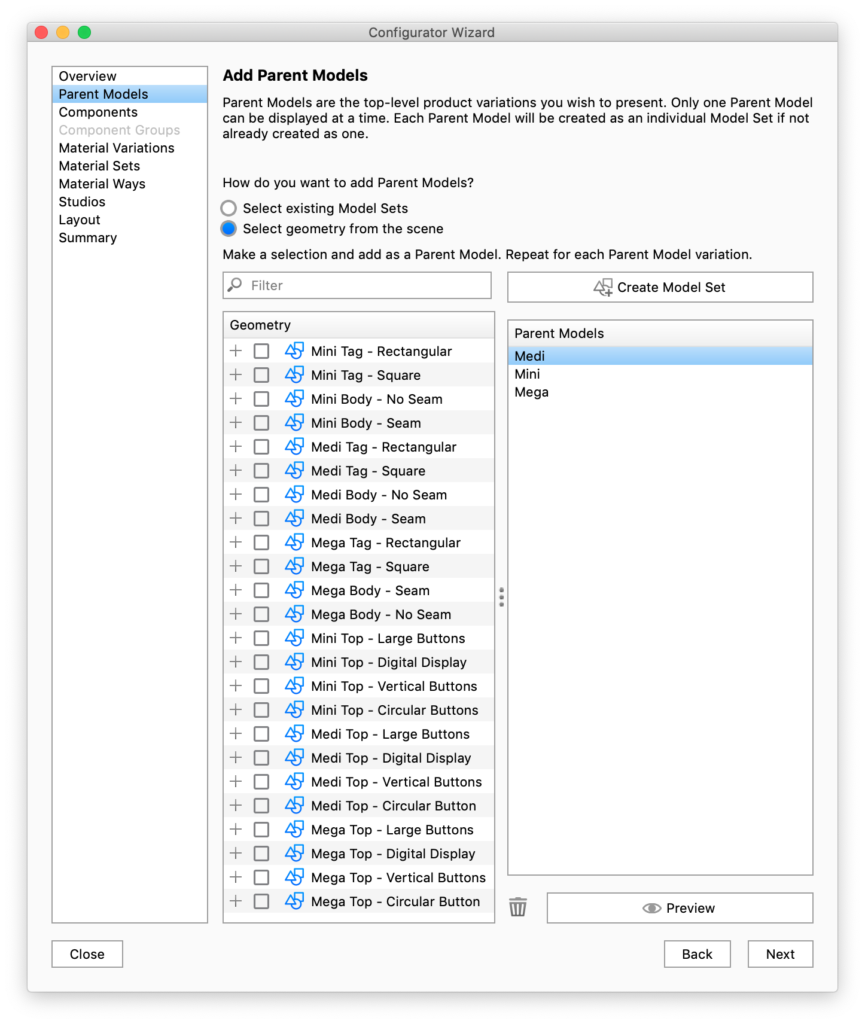
Select geometry from Scene
If you have not got each of your Parent Models and Components in separate Model Sets, you can create them here by using the option to Select geometry from the scene. To do so, check the box next to the model or parts you want to define as the Parent and click the Add Model Set button above the Parent Models list. This will automatically create a Model Set in the Project window. Once one or more Parent Models have been added in the Configurator Wizard you can select in the list and click the Preview button to view and confirm in real-time.
|
|