Generic
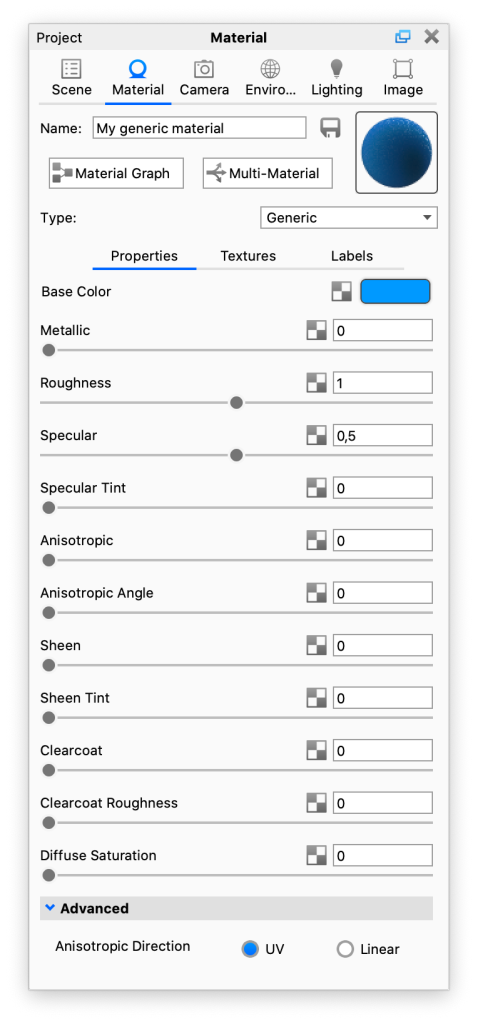
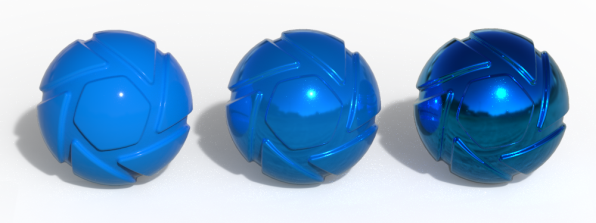
The Generic material type is based on the Disney BRDF shader. When you use the Material Importer to import materials such as a Unified 3D Material (.u3m) or Substance Painter Project (.sp) their properties will be mapped to the properties of the Generic material.
|
Base ColorThis is the surface color and can be replaced by a texture. |
MetallicControls the “metallicness” of the material. Increasing the value will produce a more metallic appearance. |
|
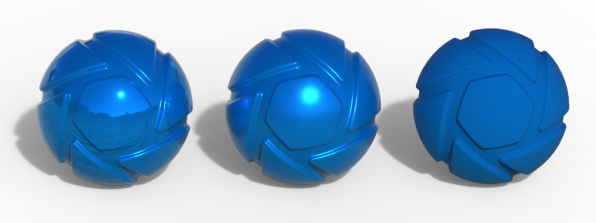
RoughnessThis will add microscopic levels of imperfections to the surface of the material. When set to 0, the material will appear perfectly smooth and polished. When the value is increased, the material will appear rougher as light is diffused across the surface. |
|
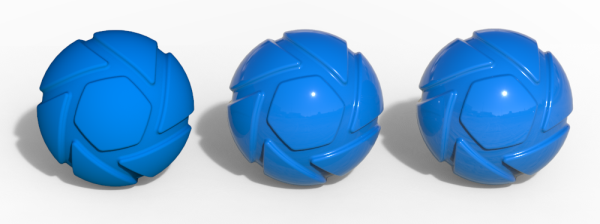
SpecularThe value determines the intensity of the reflection of light sources. |
|
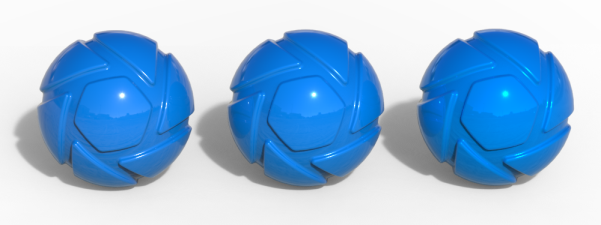
Specular TintDetermines how much the color the specular reflection gets from the base color. Value between 0-1. At 0, the specular reflection is achromatic. |
|
AnisotropicThis value determines the amount of anisotropy. Anisotropy (the opposite of isotropy) is the property of being directionally dependent. At 0 the surface will be isotropic and will reflect light evenly. Increasing the Anisotropic value add direction to the reflections. |
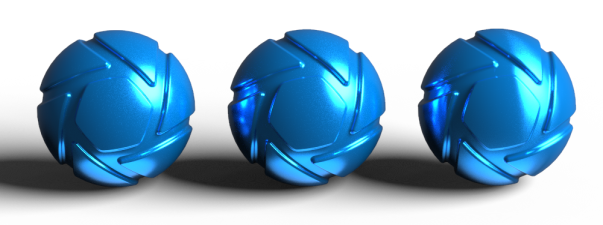
|
Anisotropic AngleAdjust the angle of the anisotropy. |
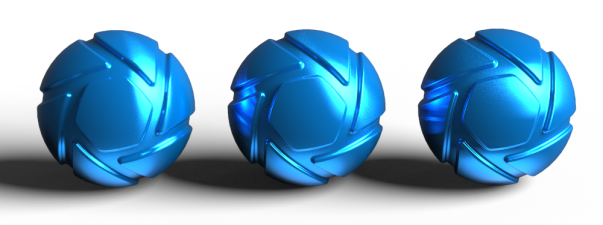
|
SheenThe perceived shininess at grazing angles on a surface. Increase the value to add sheen to the material. Primarily used for cloth materials. |
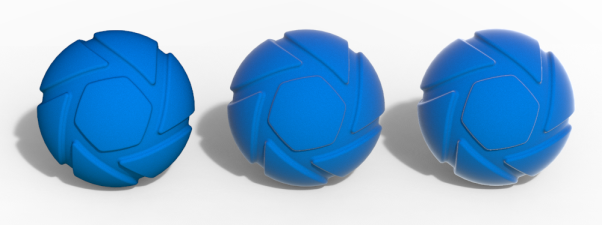
|
Sheen TintDetermines how much the color the sheen gets from the base color. Value between 0-1. At 0, the sheen is achromatic (doesn’t tint incoming light). |
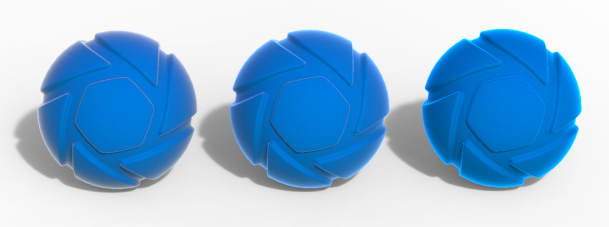
|
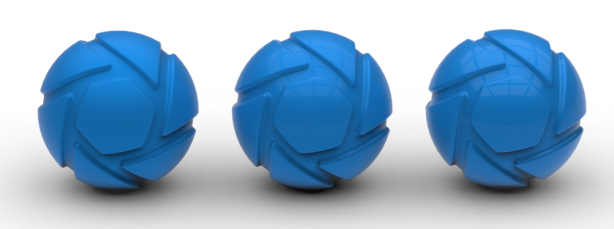
ClearcoatAdds a clear coat on top of the material. increasing the value will make the layer more prominent. |
|
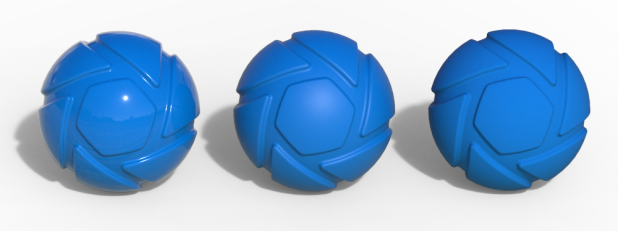
Clearcoat RoughnessControls the roughness of the clear-coat. A value of 0 will make the surface glossy while increasing the value will give the surface a satin finish. |
|
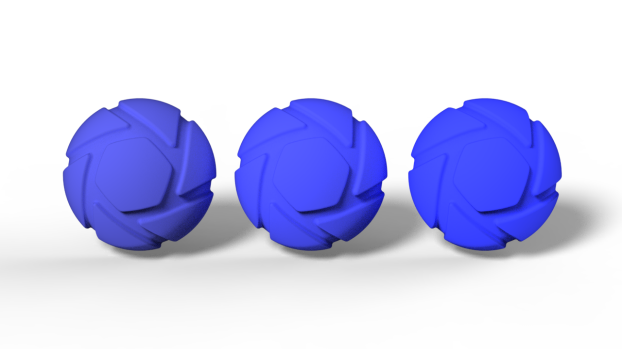
Diffuse SaturationAdjusts the diffuse saturation of the material. Increasing this value can make the material have fluorescent look. |
|
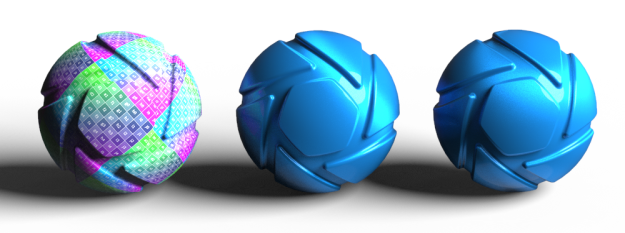
AdvancedAnisotropic Directio
|
|
Note
The Disney BRDF shader has values going from 0-1. In the Generic material type, we have, for artistic purposes, allowed some of the parameters to have values exceeding this.