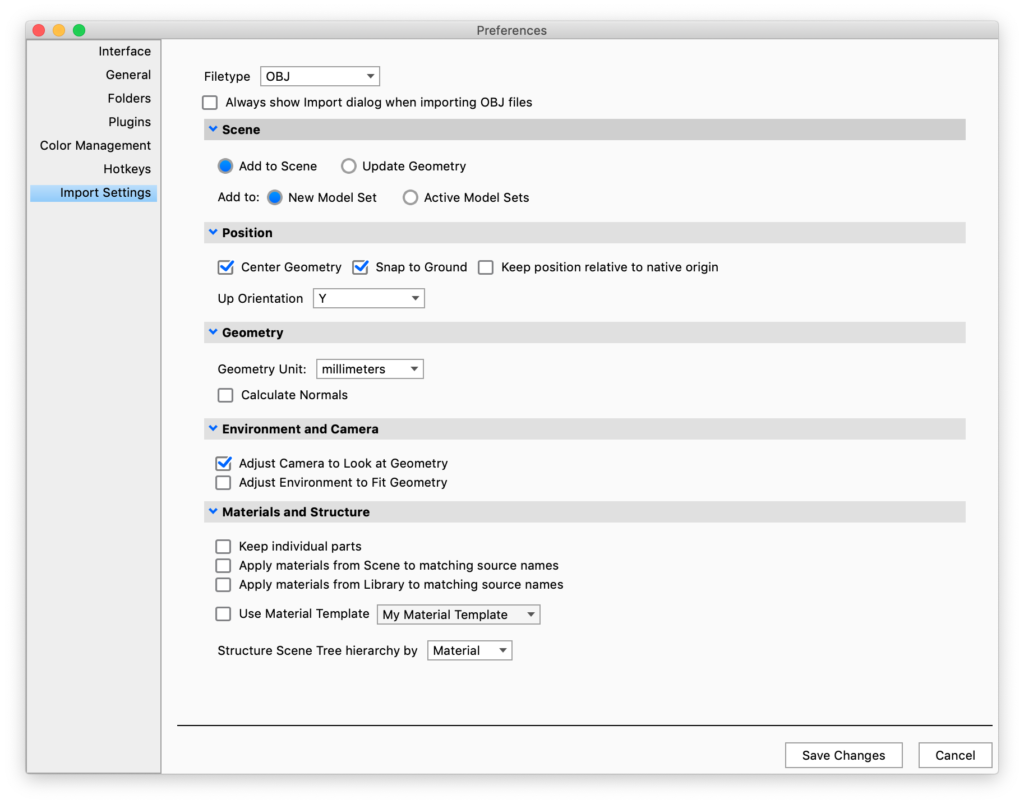
Import Settings Tab
Import Settings are the settings used for quick import. You can enable quick import in the Import dialog or by un-checking the Always Show Import dialog when importing… option for the type.
Filetype
Select a file type to determine the settings for that specific type.
Always Show Import dialog when importing XX files
when enabled all Import methods will show the Import dialog.
Settings
The rest of the settings will vary depending on which file type you have selected. See the Import page for detailed descriptions of all the settings.