KeyShot Account
You need a KeyShot Account to use a subscription license and if you want to upload or like resources in the KeyShot Cloud Library.
Sign In/Create Account
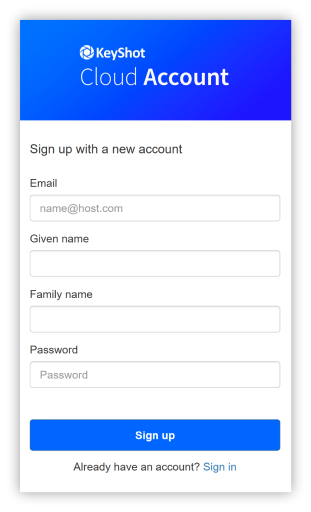
Go to account.keyshot.com and select sign up at no cost. If you already have an account simply click sign in.
Clicking sign up will open a registration window. To create an account follow the instructions.
Sign Out
To sign out of your account page, click on your initials in the top-right corner and select Sign Out.
To sign out inside KeyShot Studio, go to File > Sign Out and Exit > Username.
Delete Account
You may request your account to be deleted by contacting privacy@keyshot.com and KeyShot will delete the personal information it holds about you, unless we need to retain it for the purposes set out in the Privacy Policy.