Render Layer Output
This option is only available if you have assigned parts or models to a render layer. Select All Render Layers checkbox to enable layer output. Select the gear icon  to show the Render Layer Settings dialog and select the Alpha (Transparency) Mode for the layers.
Alpha Modes
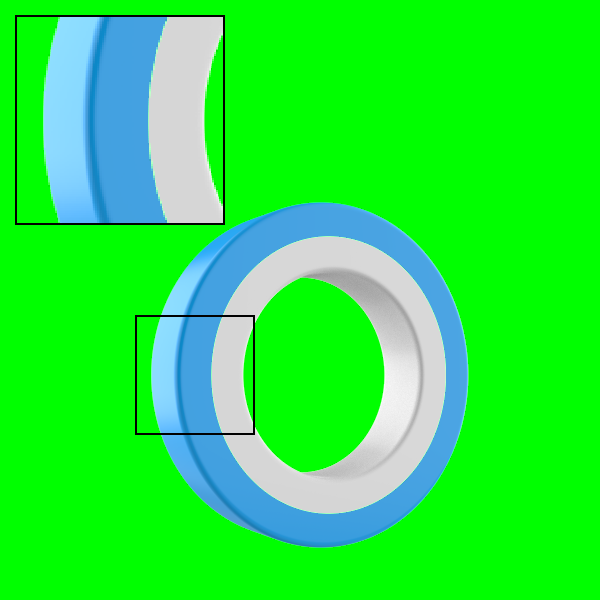
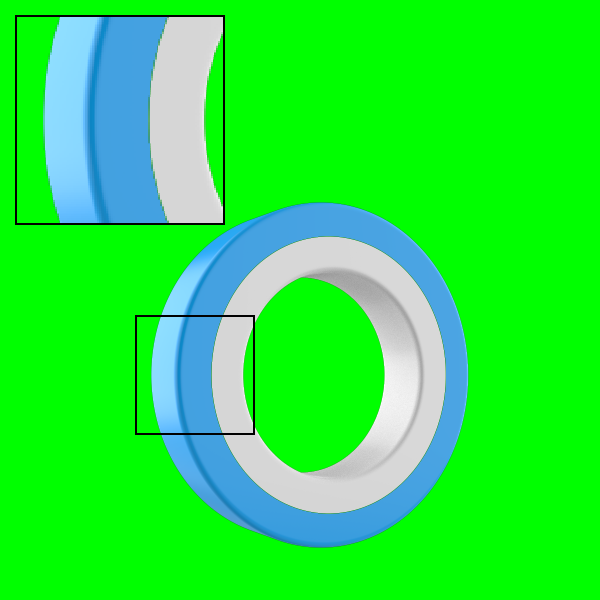
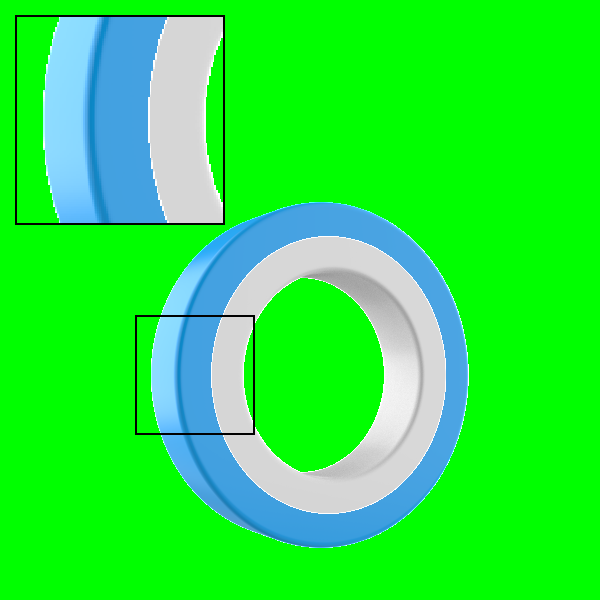
The Render Layer alpha modes include:

The outer (blue) and inner (white) rings were put on two separate Render Layers. |
|
|
|
|
Note
Enabling the render layers option will render all render layers created. To create a render layer go to the Project window > Scene tab. Go to Properties > Render Layer to create a render layer. Select a part or group of parts and select the render layer you would like it to be on.
Render Layer Example
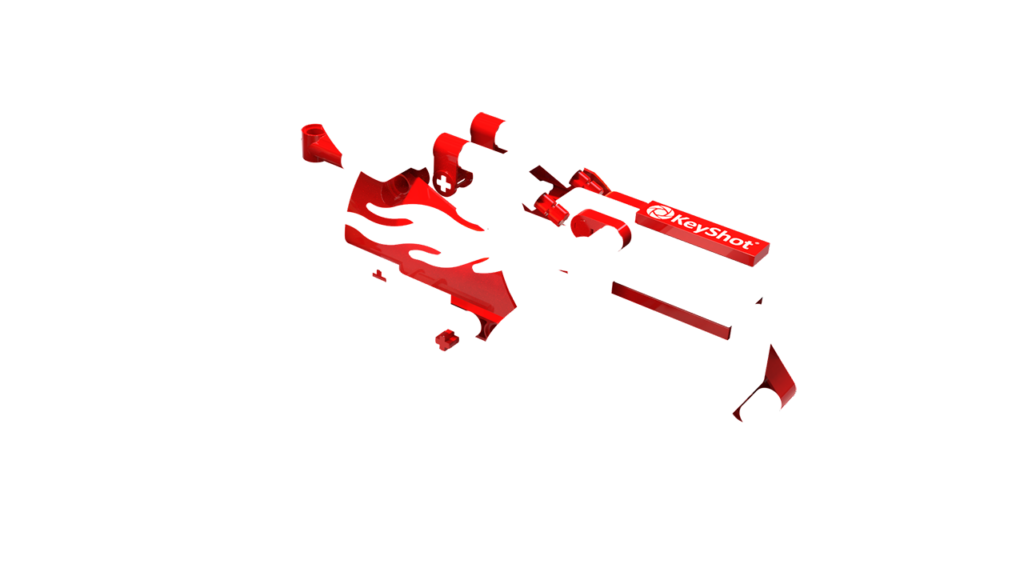
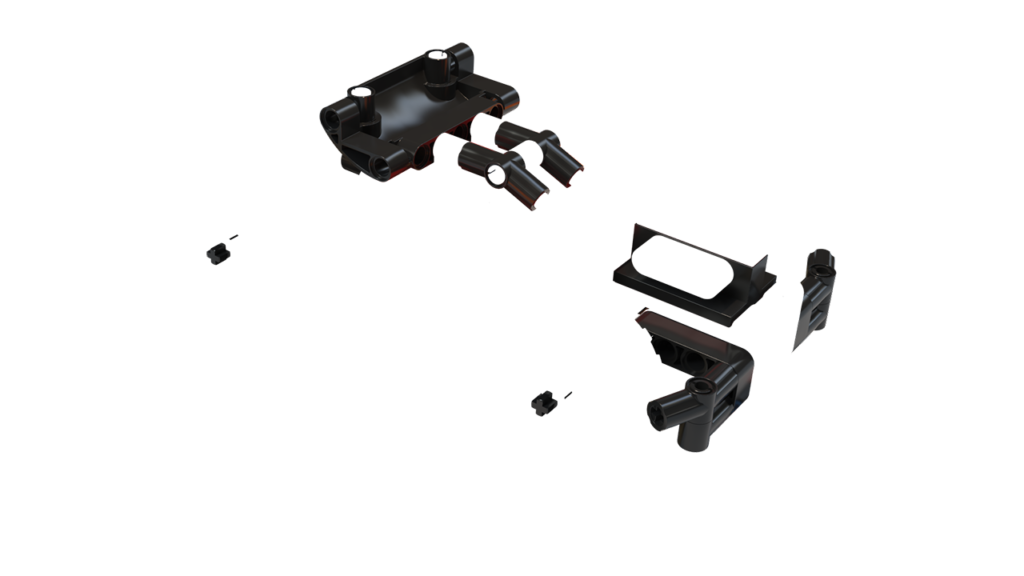
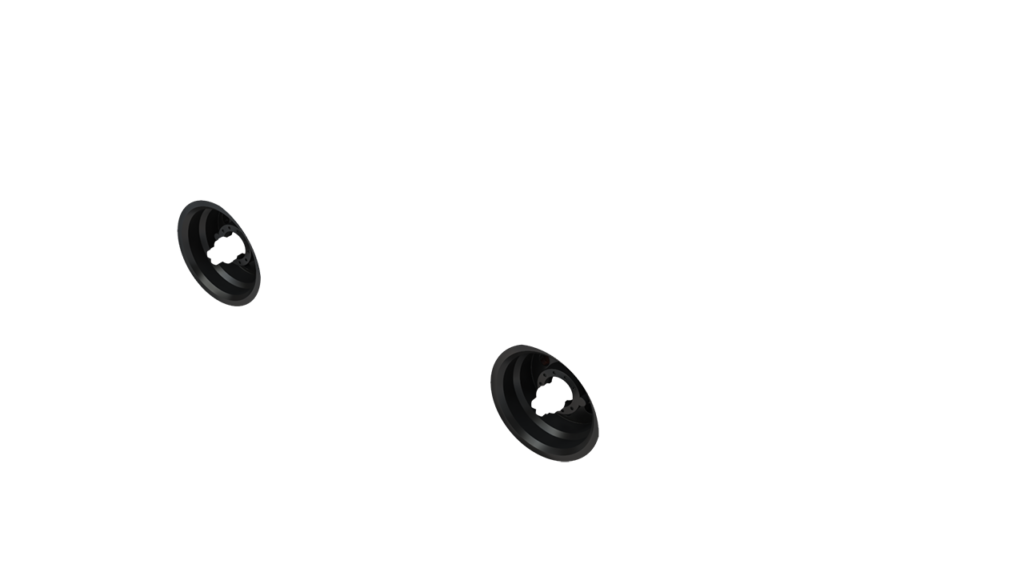
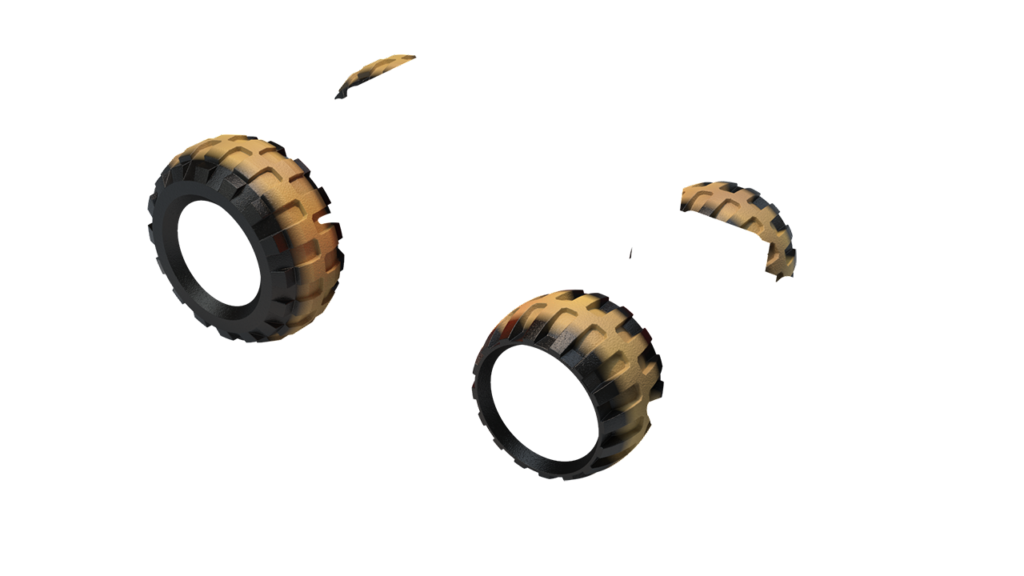
The examples below show the different render layers of above scene.
|
|

|
|
|
Note
Image Style Adjustments are applied to Render Layers, apart from:
• Denoise
• Bloom
• Vignette
• Chromatic Aberration