 Image Pin
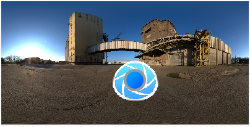
The image pin allows you to use HDR, HDZ, EXR, JPG, PNG, JPEG, and BMP as a pin. There are limitless usages for this pin, such as creating specific reflections, simulating a lighting array and using part of an HDR with another HDR among others.
When adding an image pin, you will prompted to select an image to be used. Once selected, the image will be placed in the preview window. You can also drag an image onto the HDRI editor and it will be added as an image pin.
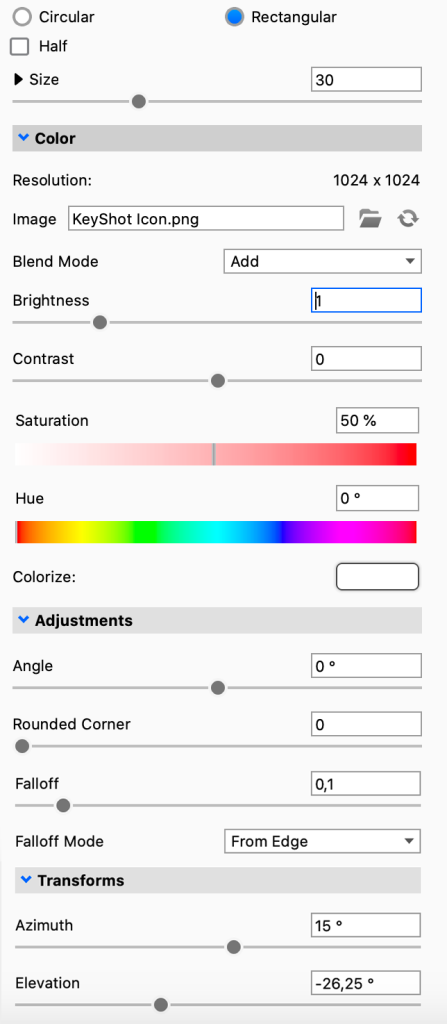
Adjustment sliders will be available to edit the image pin. These sliders are similar to the regular pin sliders.
|
Color
Adjustments
Transforms
|
 Browse for another image file
 Refresh the image file