Camera Animations
With camera animations you can animate camera movement, rotation, focal length etc. as well as switch from one camera to another.
The instructions below assume that you’ve already created the cameras in your scene and set their targets.
Add Camera Animation
You can add Camera animations as follows:
- Scene Tree: Right-click your camera in the scene tree (Project > Scene) and select the desired animation type.
- Camera List: Right-click your camera in the list and select the desired animation type.
- Animation Wizard: Learn more about the Animation Wizard.
The camera animations will be represented blue node on the timeline and switch events with a blue dot.
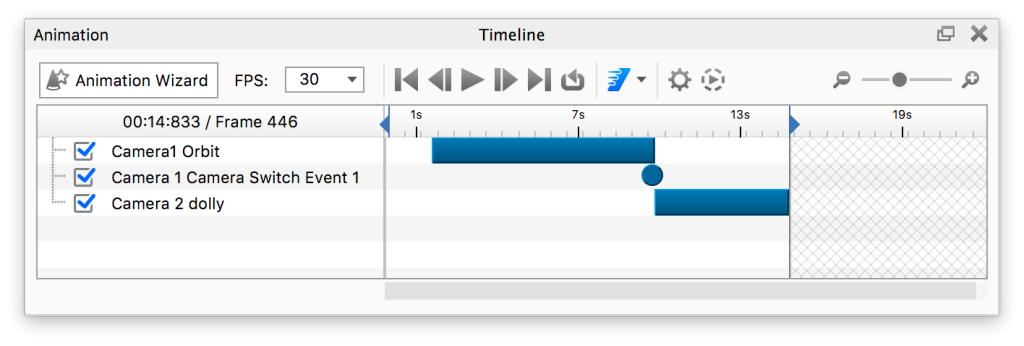
Adjust the properties for your animation and you good to go. See the Animation Timeline page for more information about the options in the timeline.
Alternatively you can copy an existing animation from one camera to another via the context menu in the scene tree. When you paste the animation you can choose between adding it as an independent animation or as a Linked animation.
Camera Animation Types
See these animation types: