Layers and Passes
KeyShot Studio supports output of render layers and render passes. Render layers output specific parts and models assigned to layers, while a render pass outputs a specific attribute of the scene on its own layer. For example, a Lighting pass will output all the lighting on a single layer while a Shadow pass will output all the shadows on a single layer.
Output of layers and passes is used to separate out all the various aspects of the scene to provide more control in post processing operations. For example, you may want to adjust the intensity of light, shadows or a materials color. Having any of these on a separate layer gives you this control.
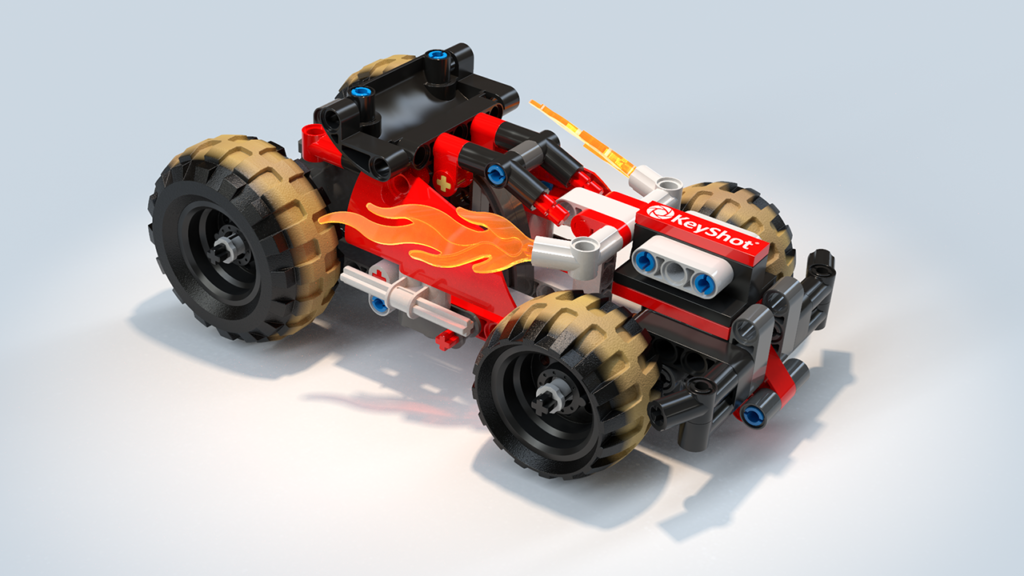
An image like the example below can be decomposed in individual render layers and render passes.
Notes
• The Clown Pass is always saved as a separate .png file (except for .psd and .exr with “Create Multi-Layer File” enabled).
• The Depth Pass is always saved as a separate .exr file except for .psd and .exr with “Create Multi-Layer File” enabled).
• When rendering to .psd or .exr with “Create Multi-Layer File” checked, all Render Layers and Passes will be embedded in the file.